
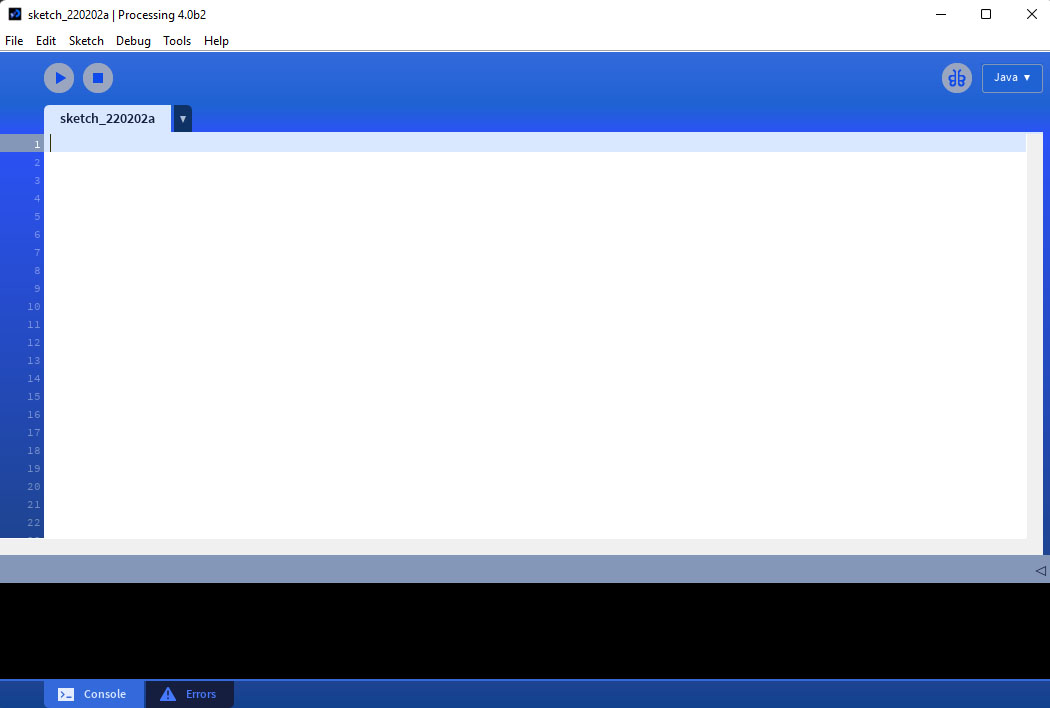
We will be using processing as the coding platform for this workshop. You can download processing here: https://processing.org/download/
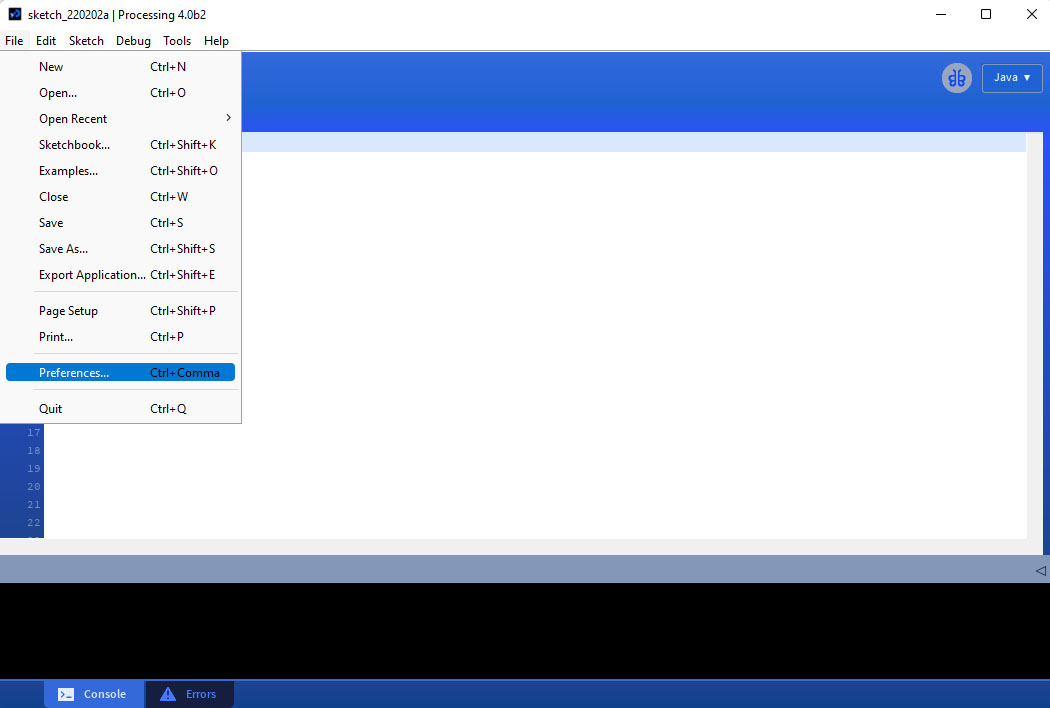
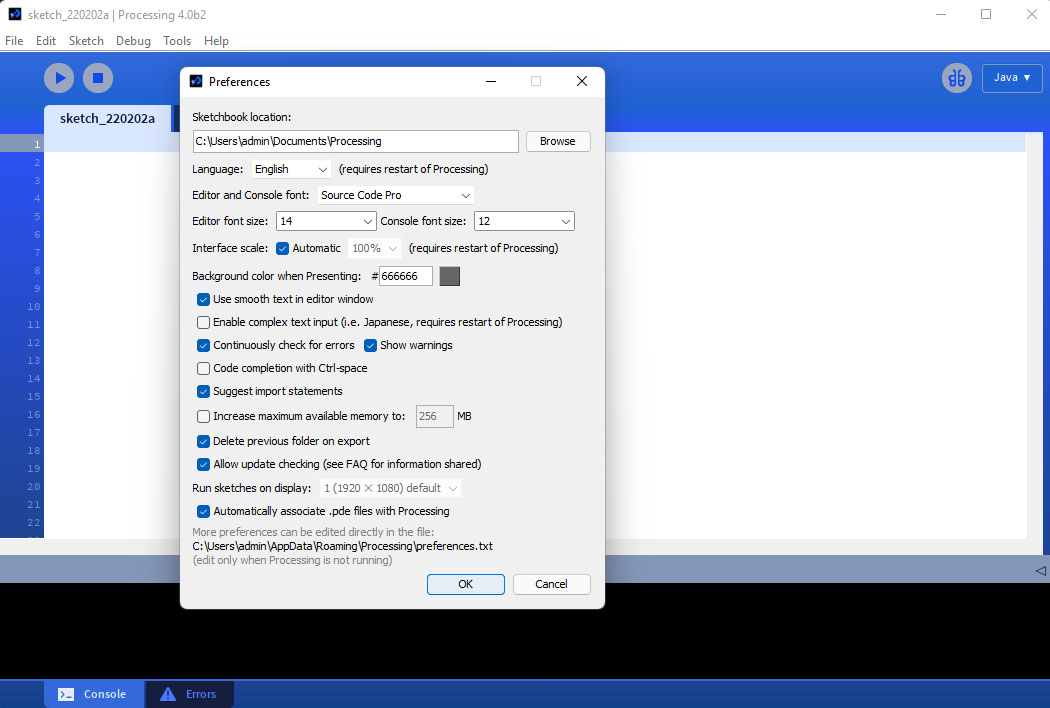
You can change the preferences under File>Preferences. You may need to change the font size based on your screen resolution.
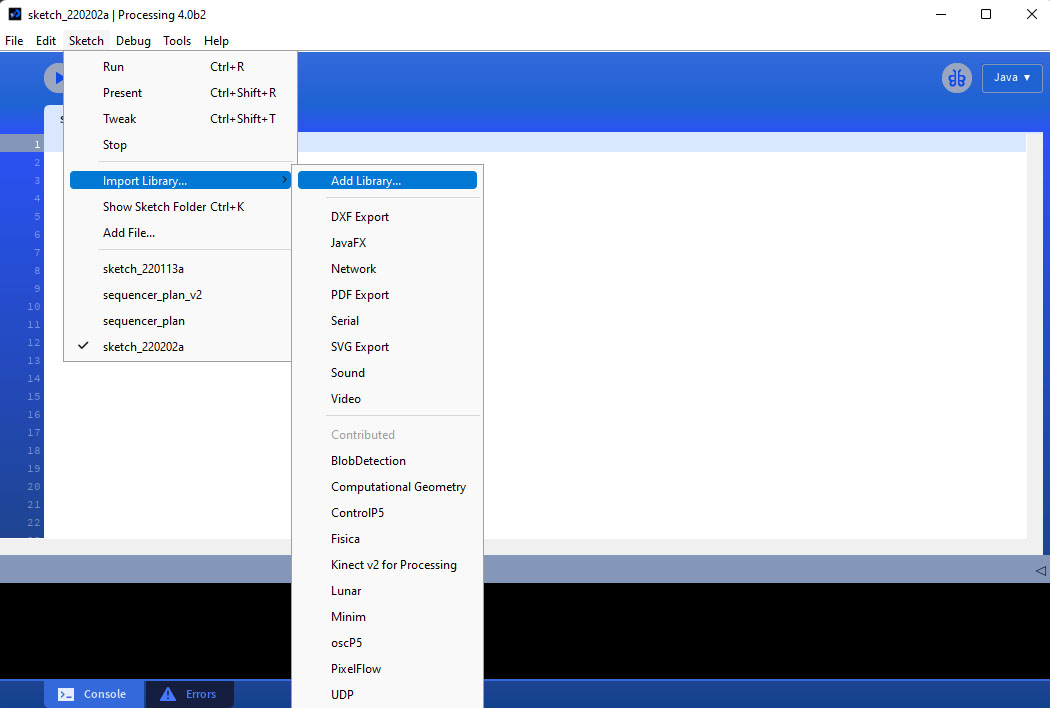
We will be using various libraries contributed by the processing community. You can add a library here Sketch>Import Library>Add Library.
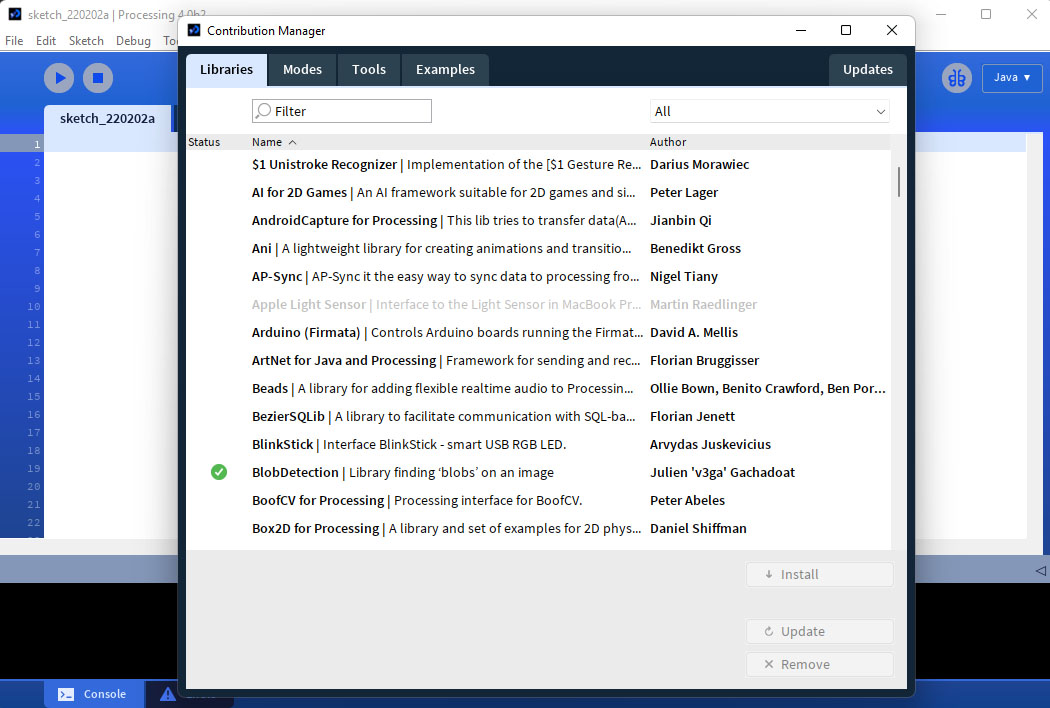
You can then use the contribution manager to search for libraries.
Variables
Variables are placeholders for dynamic values. You can think of them as named containers to store data. There are three main types of variables in processing, two hold numbers and one holds characters: 1. Integer (stores whole numbers, 2. Float (stores real numbers or numbers with atlatls one decimal place), and 3. String (stores characters).
Variable Tutorial via Coding Train
In order to use a variable in processing you need to declare it:
int num = 3;
float angle = 5.67;
String greeting  = "Hello";
Variable Tutorial via The Coding Train
Where in your sketch you declare a variable also matters. Variables declared outside of a function (usually at the top of a sketch) are considered global variables which means they can be used anywhere in the sketch. Variables declared within a function are called local variables and can only be sued in that function.
Incrementing a Variable via The Coding Train
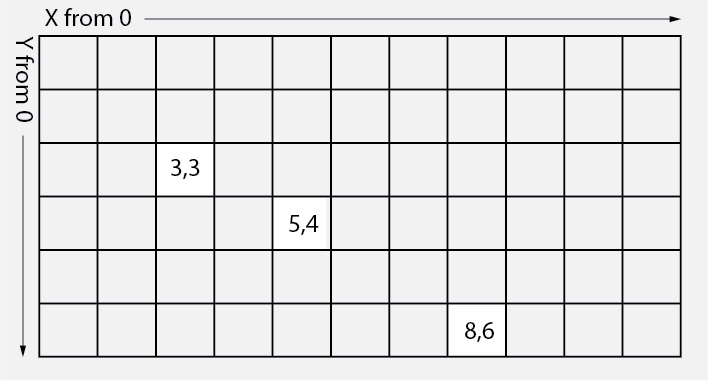
Below are two simple sketches that draw circle in a new position on each frame of the sketch by incrementing a variable. The coordinate system in processing is based on pixels and starts from the top right corner.
Processing 2d Pixel Space:
int xpos = 0;

void setup(){
  size(800,800);
}

void draw(){
  ellipse(xpos,height/2,100,100);
  xpos = xpos + 1;
}
int xpos = 0;
int ypos = 0;

void setup(){
  size(800,800);
}

void draw(){
  float newy = sin(radians(ypos))*100;
  ellipse(xpos,height/2+newy,100,100);
  xpos = xpos + 1;
  ypos = ypos +1;
}