
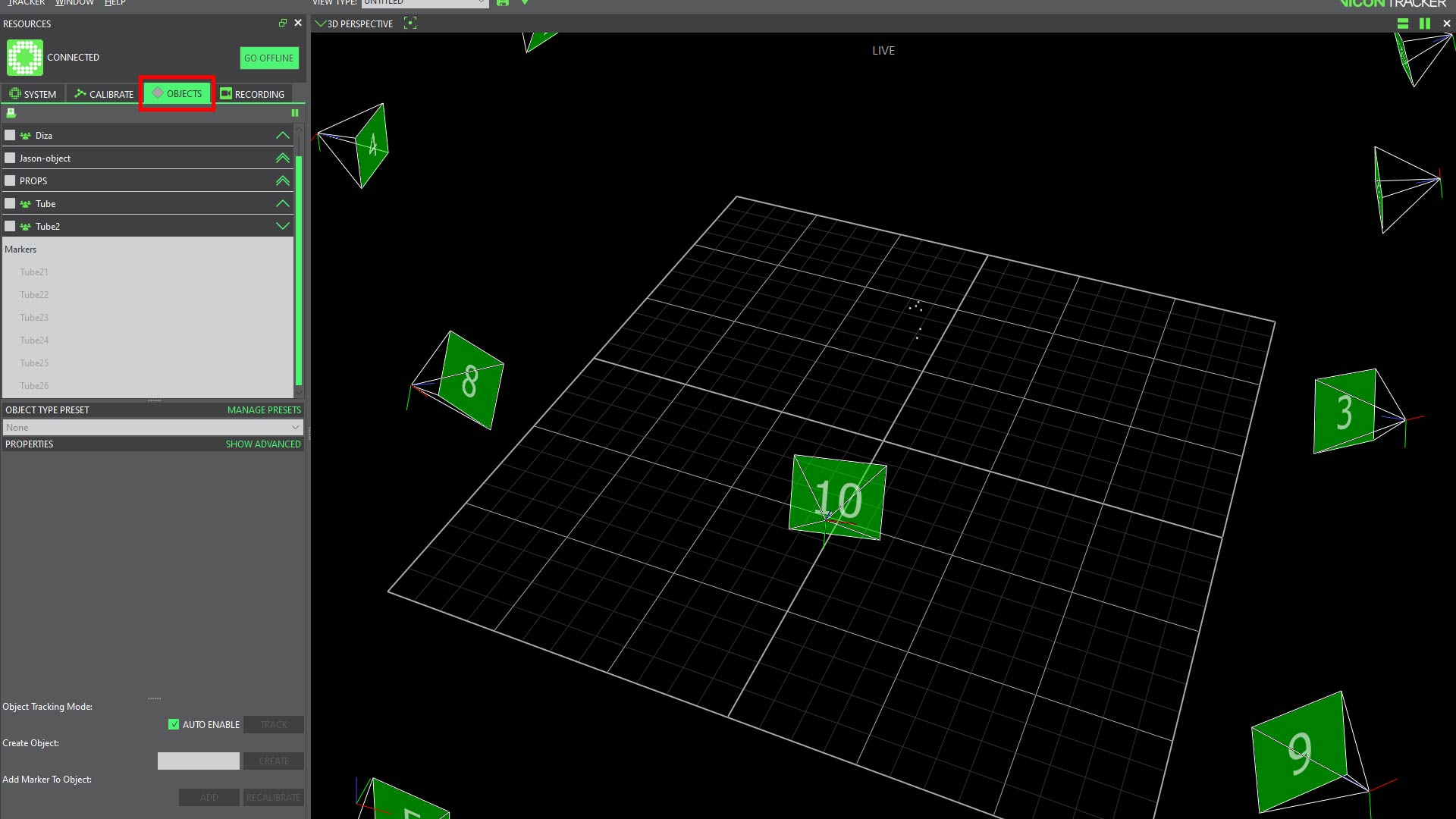
- Select the object tab in the resources window. An make sure that all of the existing objects are deselected.
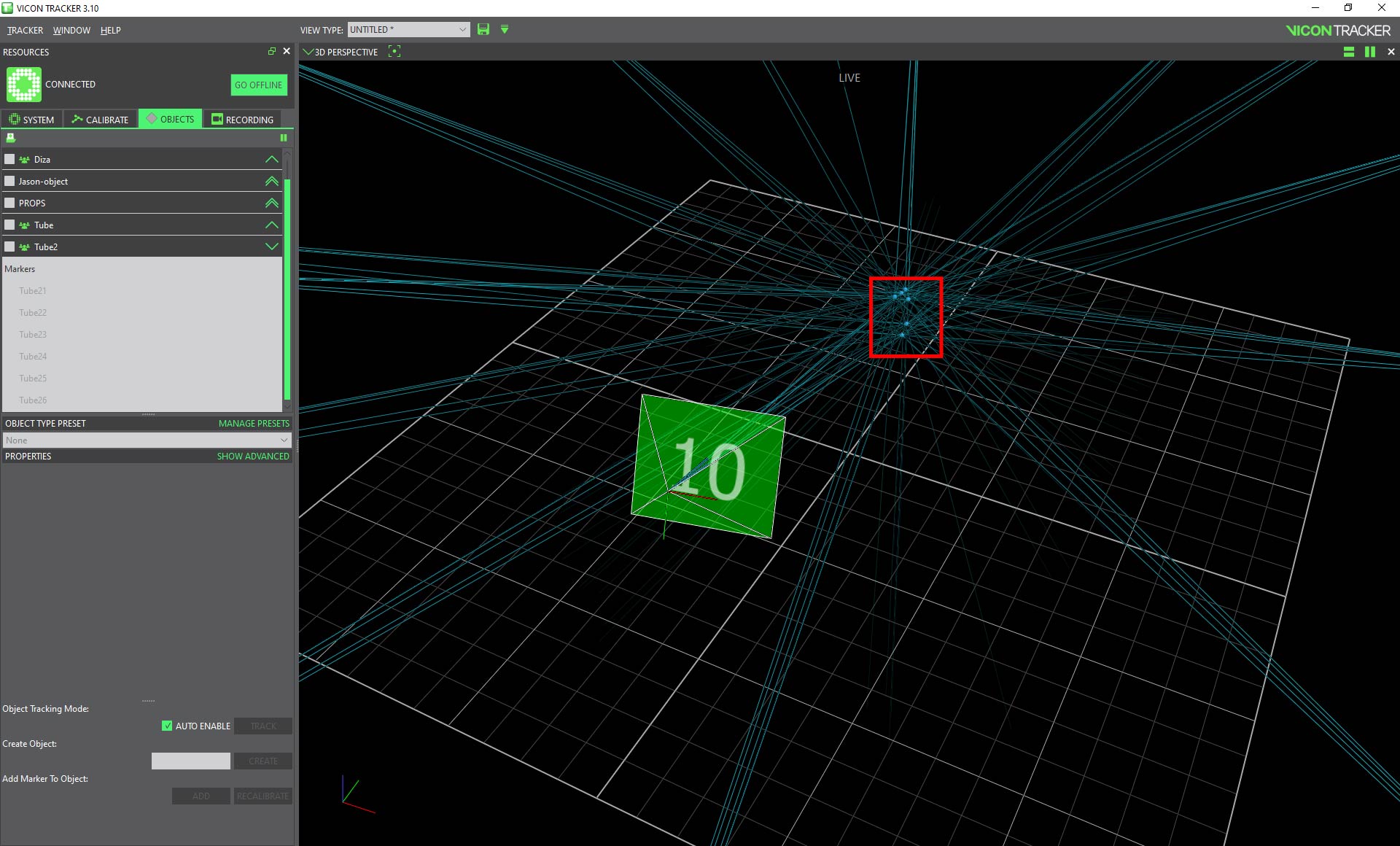
2. Once all of the objects are deselected any markers that the cameras see will show up in the perspective window as gray points. You can select the points that make up your object by pressing the ALT key and dragging while pressing the LMB. Or you can select the points individually by clicking on them with the LMB while holding down the CTRL key.
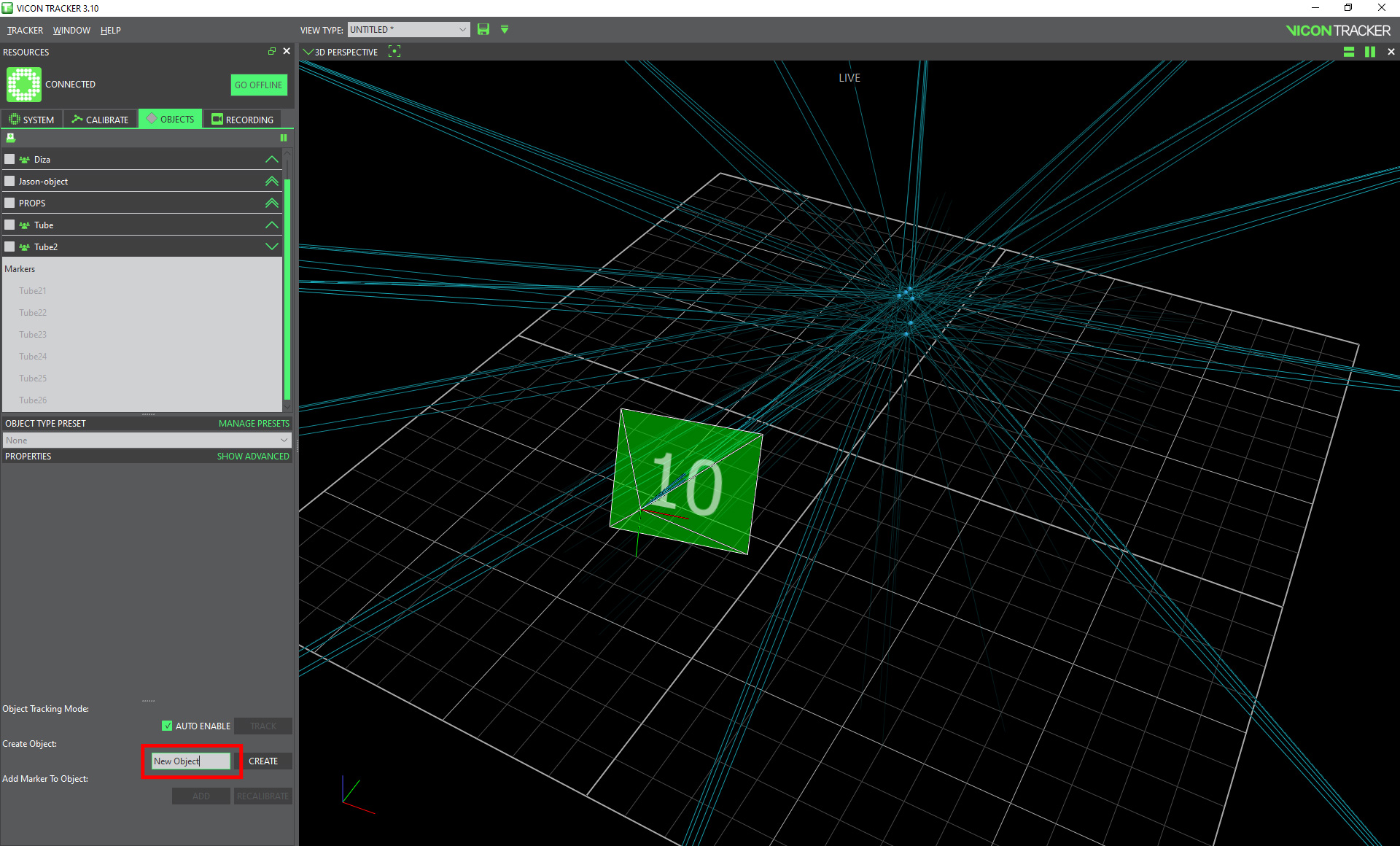
3. To create a new object you simply need to type in a name for the object and press the “create” button.
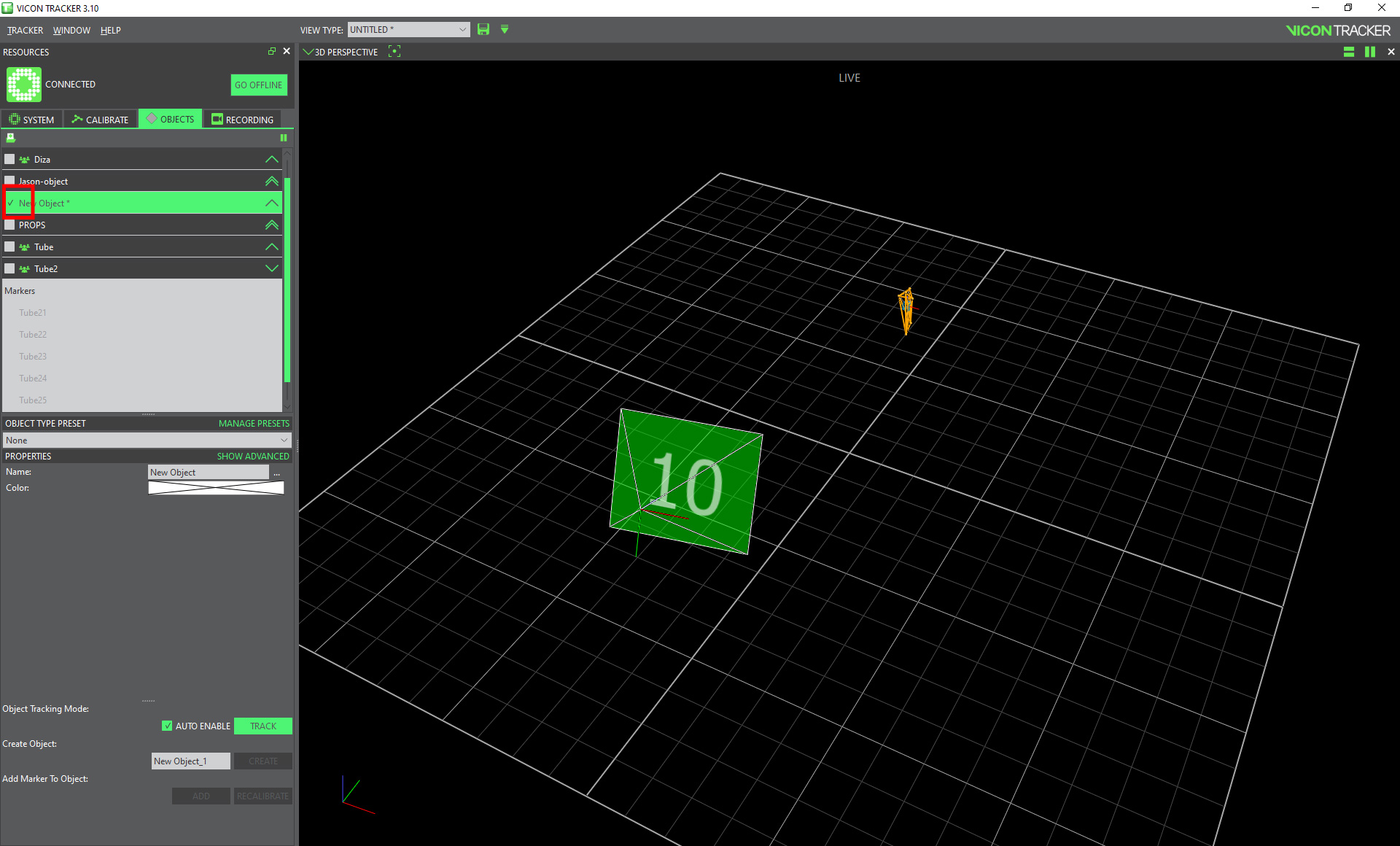
4. Once you have created an object is automatically turned on and you should see the network of points within your object.
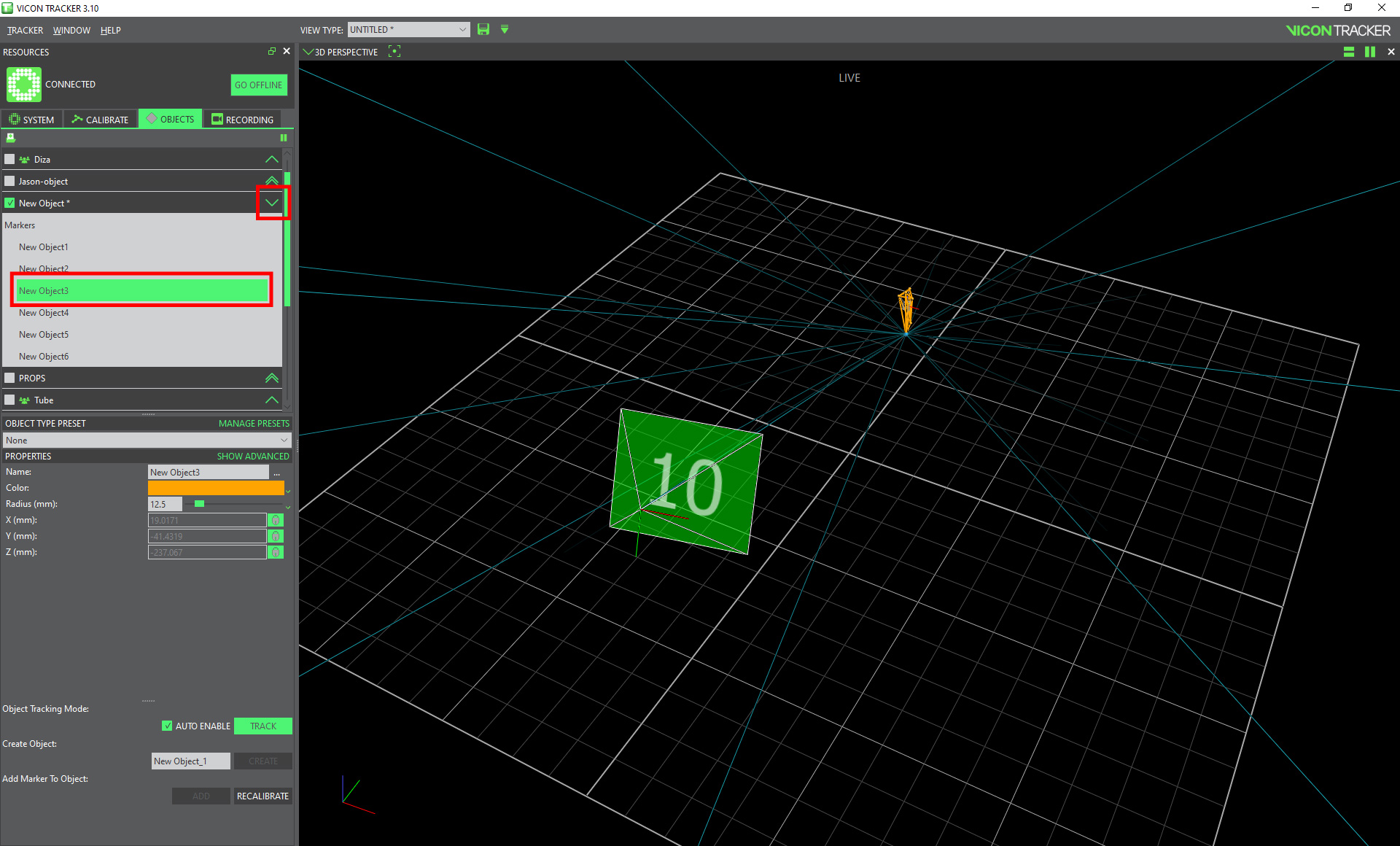
5. You can also expand the object to see the names and settings of the individual markers that make up the object.