
This course explores computation through the history and culture of measuring and drawing in the discipline of architecture. On one hand the goal is for students to learn the fundamentals of computation on a technical level, while on the other the course is framed to remove the aesthetic tropes of computation as a predetermined alibi for complexity and/or precision.
The class will be held at the Center for Collaborative Arts and Media (CCAM) in Leeds studio which houses their Motion Capture research space. The platforms we will be using are Processing and Vicon Tracker along with other measuring devices such as microphones, cameras, and sensors. The course will explore the building of a framework for translating MoCap and sensor data in real-time to create interactive sketches that explore how the digital and physical worlds can interact and comingle in unexpected ways. The course will start with a brief intro to Processing and the MoCap system in Leeds studio and end with student driven projects. These projects will act as proof of concepts that explore the potential of computation as a conceptual framework for design. Resources and examples shown in class will be posted on the course website: http://2226b.soft-lab.com/
The first part of the semester will include a series of simple exercises where students explore Processing and the potential of computation through generative drawings. The second half of the semester will be student driven research projects using the workflow(s) developed in the first half of the semester. Students will present proposals for these projects and then execute them through a series of workshops in the second half of the semester.
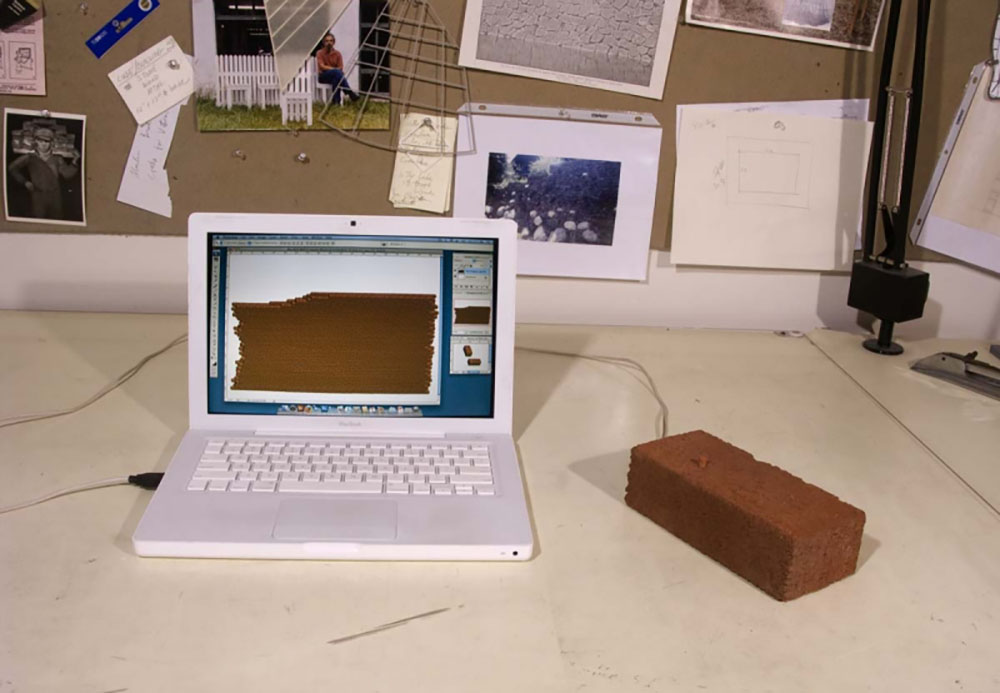
How to Build a Digital Brick Wall – Allan Wexler, 2009
Computation is simply the act of executing a mathematical equation. Regarding computation, computers are great at two things 1. Executing complex calculations almost instantaneously and 2. Executing those calculations many times over without error. These are also two things people are inherently bad at. While computers are great at being discrete, we (and the physical world) are great at introducing idiosyncratic and unpredictable conditions into discrete processes. Rather than try to overcome these shortcomings and differences, this course leverages them to provide a critical introduction to computation.
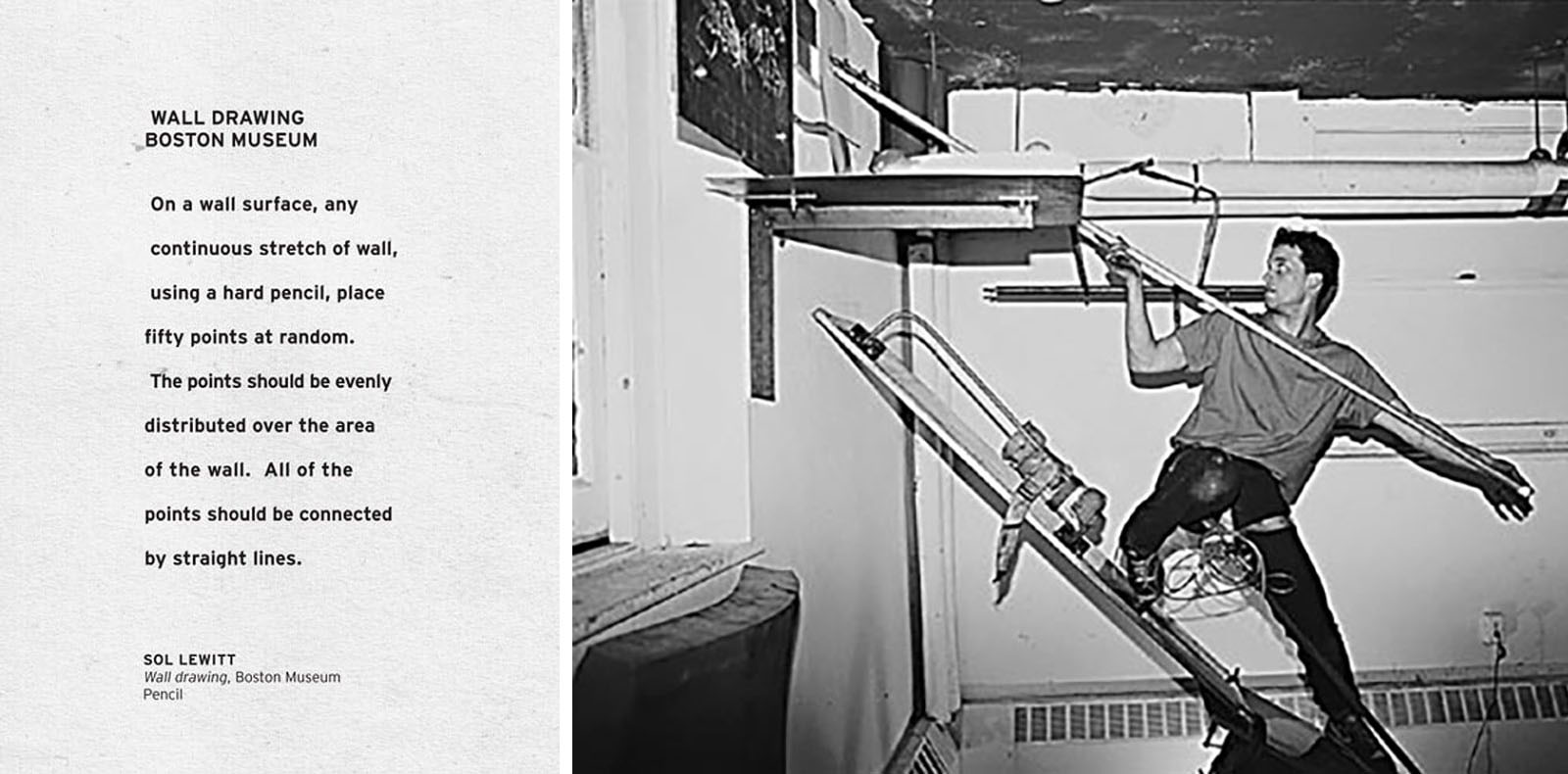
Wall Drawing Instructions – Sol Lewitt 1971 Drawing Restraint 2 – Matthew Barney 1988
Drawing can be considered the analog to computation in the discipline of architecture. In Alberti’s treatise, De pictura he outlines the first mathematical solution to the problem of drawing a tiled floor in perspective. A century later engineers and architects began pioneering the techniques of descriptive geometry which outlined the various methods of constructing precise planar projections of three-dimensional objects and spaces.
These methods continue to be used today, although more often than not, the planar medium of vellum or paper has been replaced with a digital screen. In this case the software we use employs these methods of construction in real-time. While the changes on screen give the impression of changes we are making in a three-dimensional environment, they are in fact constructed drawings.
Whether we construct a drawing by hand, or through software, what we represent or see is the interpolation of points and their connections (as edges) in three-dimensional space. Through an understanding and discrete control of this interpolation we can introduce new mechanisms to control or input the construction of drawings. Opportunities emerge to replace a pencil or mouse with a brick, sound, wind, insects, the human body, etc. Rather than think of a drawing as a deterministic representation where fidelity or a visual analog. is the goal, drawing can be thought of as an open-ended process (similar to Sol LeWitt’s Wall Drawings) where the outcomes are endless.
Debug – Edhv, 2010
Measure is an integral part of drawing, typically representing linear distance. A range of instruments are used depending on the complexity of the object or space. The precision of measure is determined by the various subdivisions of units. Using transdisciplinary instruments of measure to construct a drawing might have a direct corollary to these units, for instance the RGB value of an image can be directly translated into the X,Y,Z coordinate system. But other measures, such as speed, temperature, or touch would require more creative translations to implement them in the various methods of descriptive geometry or constructing a drawing. Or a depth camera might be used an instrument of measure to record the geometry of a sheet blowing the wind as a surface to construct a non-planar section through a virtual sphere.
Lunar Surface – Kimchi and Chips, 2014
Methods & Techniques:
The class will focus on a quick introduction to Processing through a series of quick assignments for the first third of the semester. Through Processing students will be exposed to basic programming and how data can be passed between software and various inputs. Students will be introduced to the Vicon tracking system in the middle of the semester. The final project will be a research-based prototype or proof of concept that utilizes some form of tangible interaction to drive a digital process or vice versa. The interface with their project and the physical world will be with the Vicon tracking system and/or another sensor. Students can work individually or in pairs to develop the assignments.
Assignments:
This course will be a research-based technical seminar. Students will be exposed to the use of scripting and coding within various workflows to customize interactions and outcomes. The deliverables will be broken up into exercises and a final project:
The first set of exercises are meant to be built upon starting with a rule based generative sketch and then implementing readily available inputs (both live and pre-loaded) from sound to images to camera input.
Exercise 1: Rule Based Sketch– using an artists work or process as inspiration create a rule based generative sketch.
Exercise 2: Sound Responsive Sketch – using the sketch from exercise 1 or a new sketch, create a generative sketch that responds to sound.
Exercise 3: Image Sampling – using your work from the previous exercises, integrate the reading of a loaded image.
Exercise 4: Camera Tracking – using your work from the previous exercises, integrate camera tracking into a sketch.
Final Project – a student driven proof of concept that explores links between physical and digital spaces through creative systems of measure, sensing, and “drawing.” Students can work in pairs or as individuals for the final project.
Deliverables:
Project proposal 3/26: PDF of sketches, references, etc.
Final proof of concept 5/7: PDF and video of the final project as well as the development and tests.
Schedule:
Week 1 1/15 Introduction to Processing
Exercise 1: Rule Based Sketch
Week 2 1/22 Sound input and Processing
Exercise 2: Sound Responsive Sketch
Week 3 1/29 Image Sampling
Exercise 3: Image Sampling
Week 4 2/5 Camera Tracking
Exercise 4: Camera Tracking
Week 5 2/12 ***Travel Week***
2/17 Seminar Make Up Day
Exercise 4: Camera Tracking
Week 6 2/19 Introduction to Vicon Tracker
Final Project assigned: Final project proposal.
Week 7 2/26 Exercise 1,2,3,4: Students present a curated compilation of the three first exercises.
Final Project assigned: Final project proposal.
Week 8 3/5 Studio Midterm Week (No Class)
Week 9 3/12 **** No Class Spring Recess****
Week 10 3/19 **** No Class Spring Recess****
Week 11 3/26 Final Project proposals: Students present their final project proposals.
Week 12 4/2 Introduction to Arduino
Week 13 4/9 Introduction to Depth Camera
Week 14 4/16 Work Session
Week 15 4/23 Work Session
Week 16 5/30 **** No Class Studio Reviews****
Week 17 5/7 TBD Final Presentation